The Request
As part of the process for adding new products to a database, suppliers were asked to complete an Excel file. The internal team then manually validated the data to ensure it was present and correctly formatted. This step was time-consuming, typically requiring three colleagues and approximately 24 working hours per week. I was approached to explore whether there was “a better way of doing things.”
Process Review and Proposed Improvements
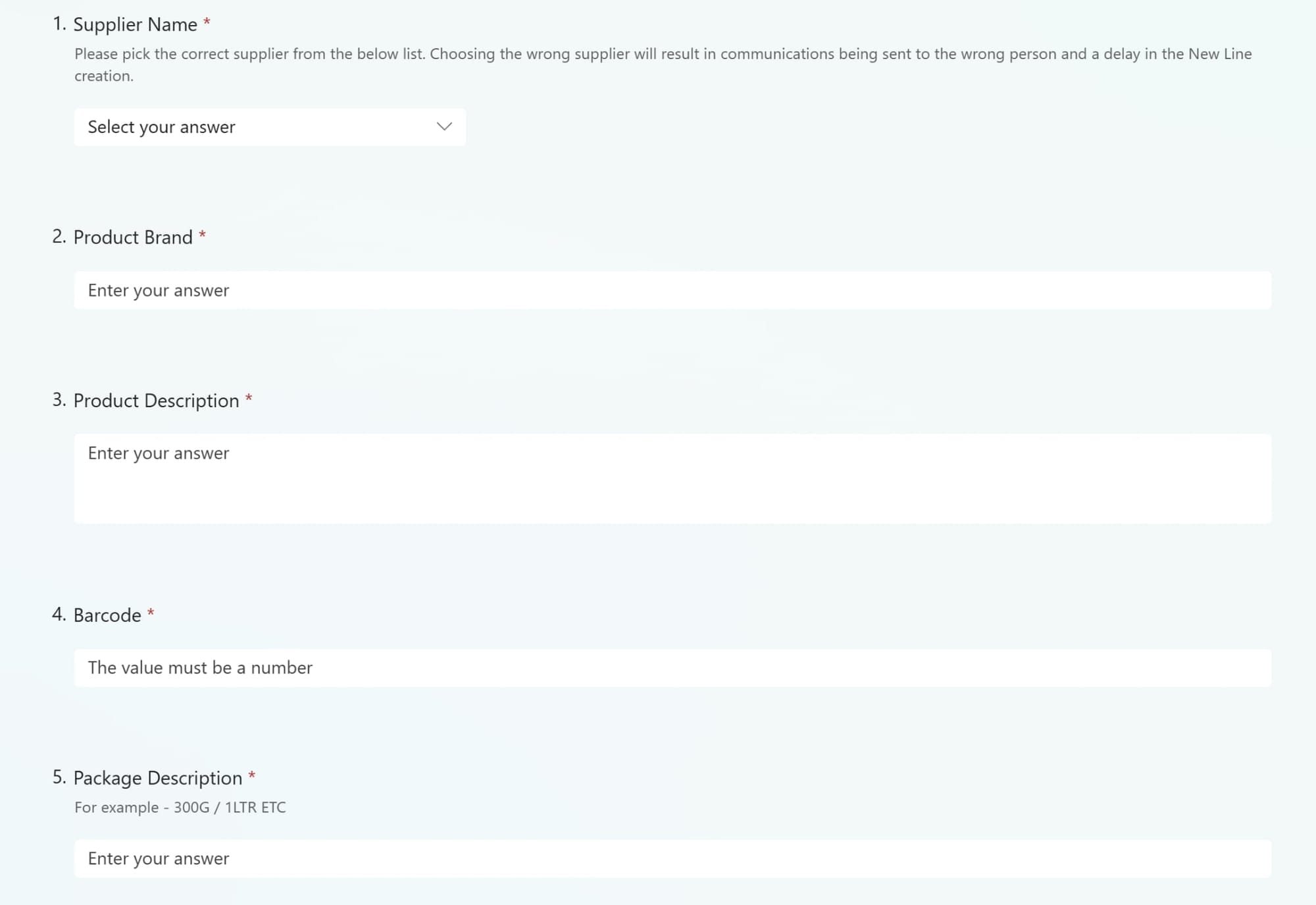
The original workflow relied on manually distributed Excel spreadsheets with no built-in validation, leading to frequent errors and delays. I proposed replacing this with Microsoft Forms to streamline data entry and enforce validation at the point of submission. This shift laid the foundation for automation, consistency, and reduced manual effort across the board.
The solution was presented as a proof of concept and received enthusiastic feedback-many colleagues were surprised such a streamlined approach hadn’t been adopted sooner.
Solution Implemented
I designed and deployed a Power Automate flow that begins with suppliers submitting product data via Microsoft Forms. Each submission triggers the creation of a uniquely named Excel file in SharePoint, where Office Scripts inject the form data directly into predefined cells-ensuring clean formatting and eliminating manual entry.
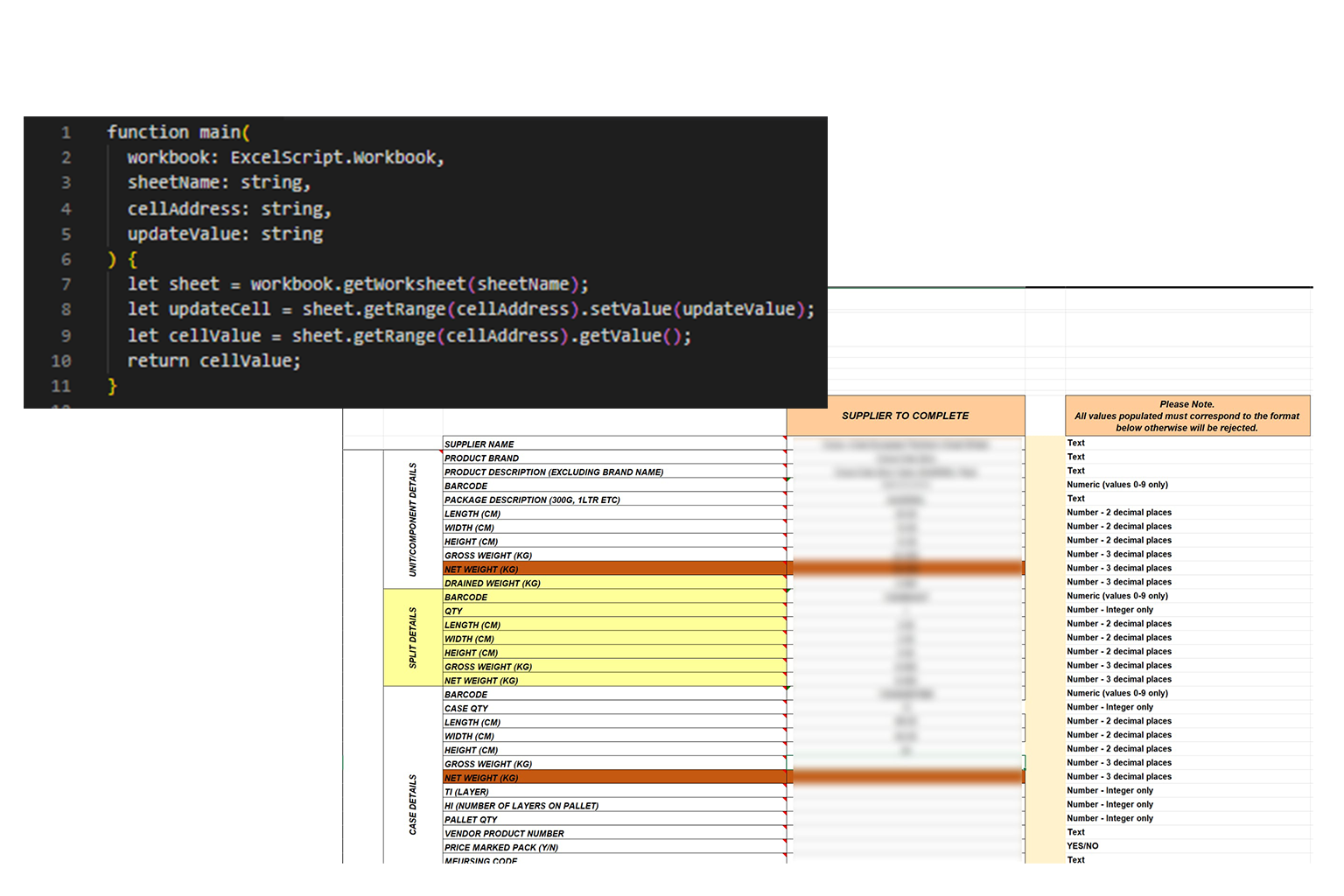
To enhance Power Automate’s precision, I utilised an Office Script .osts file to enable targeted data entry into Excel.
This approach allows Power Automate to update specific cells, providing complete control and supporting a modular workflow tailored to uniquely named spreadsheets.
To safeguard data quality, the flow includes automated checks for incomplete or invalid submissions. If issues are detected, the system sends a follow-up email to the supplier requesting clarification. Once corrected, the data is seamlessly updated in the Excel file.
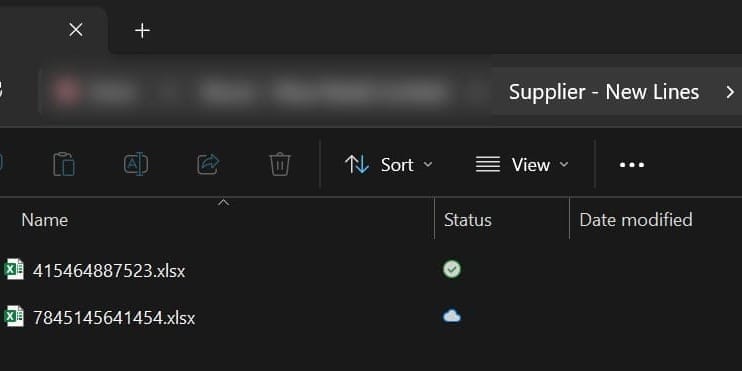
Completed files are saved automatically with a unique reference for each. File meta data is added depending on specific files entered to allow for easy file searching, discovery and audting.
The final output is automatically emailed to the internal team for review and database import, fulfilling the original request while saving approximately 24 hours of manual effort weekly.
Systems Utilised in This Project
- Microsoft Forms
- Microsoft Power Automate
- Microsoft Excel
- Microsoft SharePoint
- Microsoft Outlook
Lessons Learned & Next Steps
This project reinforced the value of combining low-code tools with thoughtful process design. By shifting validation upstream and automating repetitive tasks, we saved time but improved data quality. It also highlighted how underutilized tools like Office Scripts can unlock granular control within Power Automate—bridging the gap between automation and precision. Most importantly, the overwhelmingly positive feedback from colleagues underscored the importance of making IT solutions intuitive and accessible.
Looking ahead, the modular nature of this workflow opens the door to broader applications. Future iterations could include dynamic branching based on supplier type, automated database imports, or integration with Teams for real-time status updates. There’s also scope to build a dashboard for tracking submission metrics and bottlenecks. As business needs evolve, this foundation is ready to scale-offering a flexible blueprint for other data-heavy processes across the organization.